The Problem: Interaction to Next Paint (INP)
Our performance tools (Vercel Insights) revealed a harsh truth. Certain filter clicks were causing delays of up to 7.7 seconds.
Why was this happening?
Every time a user selected a category (e.g., Anime), the site had to perform three heavy operations at once:
Trigger a new API request (fetch)
Clear the previously rendered content
Re-render all cards, icons, and animations from scratch
This “heavy” JavaScript workload blocked the main thread, making the site feel unresponsive.
The Solution: React Transitions & Memoization
To fix this, we implemented a modern approach in Next.js 15.
1. useTransition for Smarter Loading
Instead of freezing the UI, we introduced useTransition.
React now understands that changing filters is a non-urgent update. This allows the browser to remain responsive while the new content loads in the background.
Rather than displaying a frozen screen, users immediately see a Skeleton Grid (gray preview placeholders), creating the perception of instant feedback instead of delay.
2. React.memo for Card Optimization
We discovered that the browser was spending significant time rebuilding SVG icons (Lucide) and card components on every interaction.
By wrapping card components with React.memo, React now re-renders them only when their data changes. This drastically reduced unnecessary recalculations and saved valuable CPU resources.
3. Eliminating Layout Shift (CLS)
We replaced the old loading spinner with a Skeleton Grid.
This ensures that layout dimensions remain stable while images and data load, preventing content from “jumping” up and down. The result is a much smoother and more comfortable reading experience.
The Result
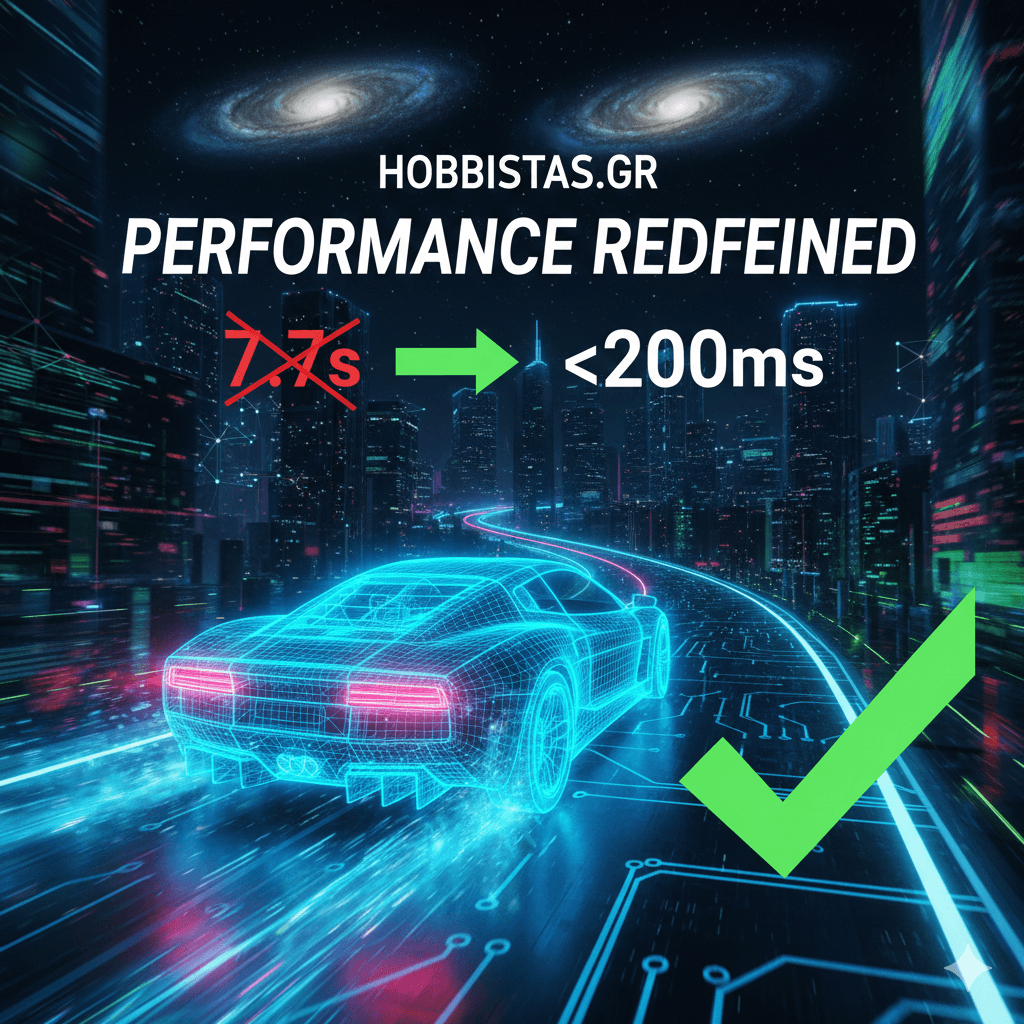
After these changes, interaction lag dropped from 7.7 seconds to under 200ms.
Hobbistas is now faster than ever — ready to host your thoughts on every hobby, without frustrating delays.
 Michail Mouzakitis